

How Time4Learning Works
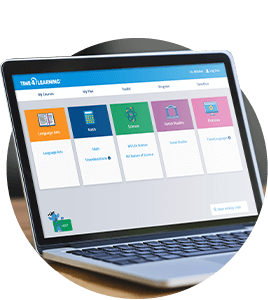
Online Curriculum for PreK-12th
Time4Learning is a standards-based grade-appropriate curriculum with thousands of interactive lessons in math, language arts, social studies, and science. With automated grading, reporting and activity planning tools, homeschooling has never been easier.

Flexible and Student-Paced
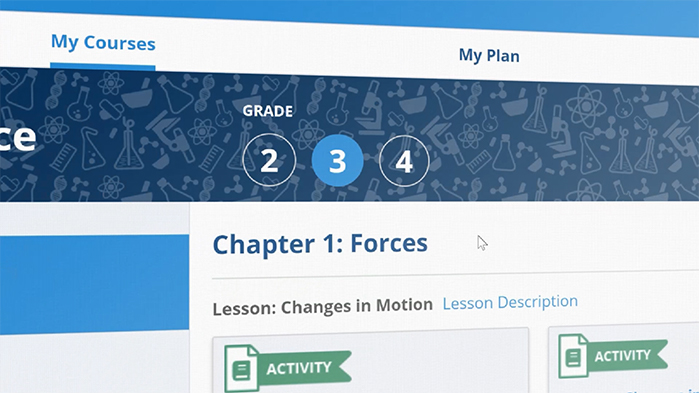
With Time4Learning, you are in the driver’s seat. Students can login anywhere and anytime. There are no fixed times or schedules. Adjust the grade level for each subject, depending on your child’s skill-level and interests. Repeat lessons as many times as you want.

Fun and Engaging
Time4Learning makes learning fun with over 3,500 engaging lessons that children of all ages enjoy. Students develop skills through interactive activities and apply what they’re learning to everyday life. Assessment tools help you monitor their academic progress.
Try Time4Learning Risk Free!

- PreK-12th Online Curriculum
- 24/7 Access to 3,500+ Lessons and Activities
- Automated Grading & Reporting
- Activity Planner for Easy Scheduling
- Start, Stop, or Pause Membership Anytime

The Student Experience

Your children log in to Time4Learning anytime and anywhere. In their student dashboard, they’ll find subjects assigned by you. Within each subject, there are activities, quizzes, and assessments that can be completed in order, or according to a parent-created activity plan. Students can also keep track of their own progress. When they’ve completed their lessons for the day, Time4Fun offers a variety of games students can play to wind down.
The Parent Experience
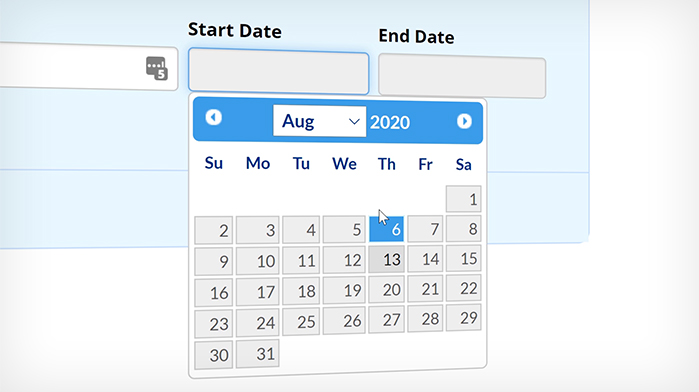
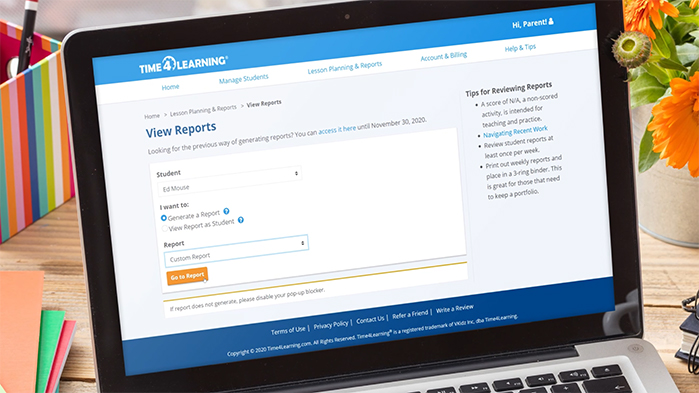
Parents have their own login. In your parent dashboard, you can easily monitor your child’s progress and access tools to make homeschooling easier. With automated grading and reporting, Time4Learning does all the heavy lifting. The Activity Planner gives you more control over what topics are covered, and can provide your child with a more structured schedule. With adjustable grade levels for each subject, you can customize your child’s education based on strengths and challenges. As a Time4Learning member, you can connect with an active community of like-minded parents and a friendly customer support team to address any challenges.The Time4Learning Features That Make Your Life Easier
Engaging Lessons
Children love our homeschool curriculum because it’s loaded with fun, interactive lessons! To keep them constantly engaged, attentive, and challenged, we use short animated lessons for younger students and a lecture format for older students.
What Parents Are Saying


Awards & Certifications
-
![Cathy Duffy's 102 Top Picks]()
-
![iParenting Media Award]()
-
![Homeschool.com 2018 Top 100 Educational Website]()
-
![The National Parenting Center Seal of Approval]()
-
![IBCCES Certified Autism Resource]()